๐ŸŽ For teachers, tutors, and reading specialists

Your whole classroom. $99 a year.

BuildReading, BuildMath, and BuildWrite run in any browser: your smartboard, your tablets, your computer stations. No student logins. Sign in once per device and go. Open the site and teach.

๐Ÿ“– Try it on your board now ๐Ÿ—‚๏ธ Class dashboard (sign in) ๐Ÿซ Get the Teacher plan ยท $99/yr
โœ“ $99 a year, up to 35 students โœ“ No student logins โœ“ Student first names only, nothing else โœ“ Works on any device
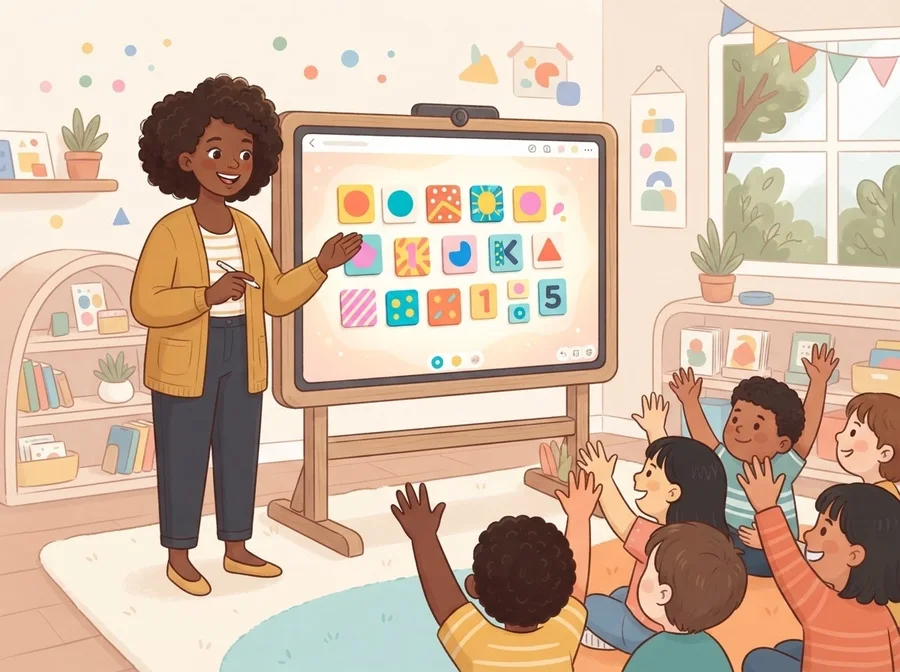
A teacher leading a whole-class lesson on a smartboard while children raise their hands
Your smartboard, tomorrow morning. Kids shout the answer.
In your classroom

Three ways teachers use it.

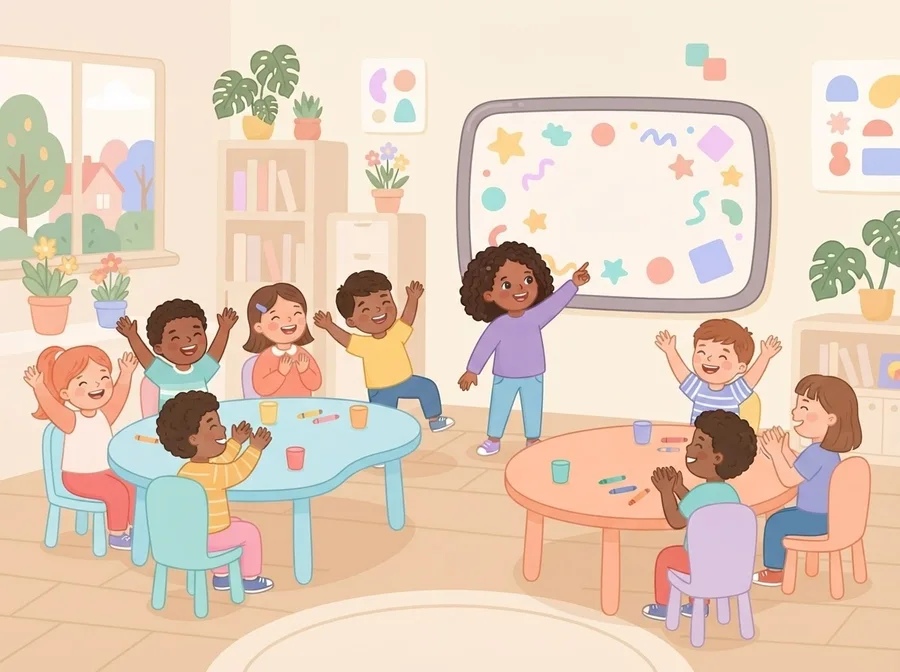
Two small teams of children cheering during a classroom word game

Class Battle NEW

Split the room into teams and play on your board. Same words, same voice, now a team game. No student accounts, nothing saved, and a printable Class Champions certificate at the end.

Start a Class Battle โš”๏ธ
๐Ÿ–ฅ๏ธ

Whole class on the smartboard

Project a word family and build words together. The teaching voice models every sound, the class shouts the answers, and you tap the tiles. Five minutes of phonics that feels like a game show.

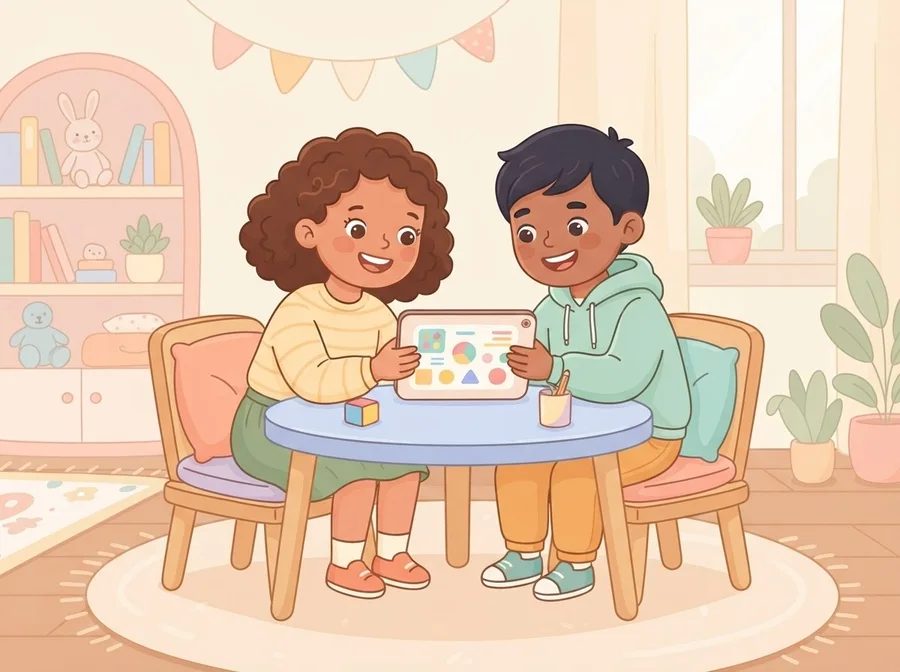
Two children sharing a tablet at a low table

Station and tablet time

Open the site on your tablets: no logins, no passwords to forget, no roster setup. Every instruction is spoken out loud, so even pre-readers can work a station independently.

๐Ÿ’ช

Catch-up and intervention

The pattern-first method mirrors how reading specialists teach. Calm structure, spoken instructions, no timers, gentle retries: built for the kids who need the most patience, including IEP students.

Three subjects, one method

The whole family works in a browser.

Why they keep asking for it

Kids love it. It stays calm.

The BuildReading letter A character The BuildMath number 3 character The BuildWrite pencil character

A buddy that cheers them on

A friendly character pops up to jump for a right answer and tilts its head for a wrong one. In BuildMath, the number that was the answer is the one who cheers. Soft chimes, never a buzzer.

๐Ÿ‘•

Stars that mean something

Stars from all three apps unlock outfits for their buddy: a ball cap, a bow, sunglasses, a crown. Nothing is ever spent or taken away, and on shared class tablets every student keeps their own.

๐Ÿ™‹

"Show your teacher!"

When a student masters a lesson, one tap opens a proud card with your name on it, what they learned and today's date. A quick high five without leaving your small group.

Need a quiet room? Turn sound effects off in the Grown-Ups Corner. The teaching voice stays on.

The end of the road

Every student finishes by writing a book

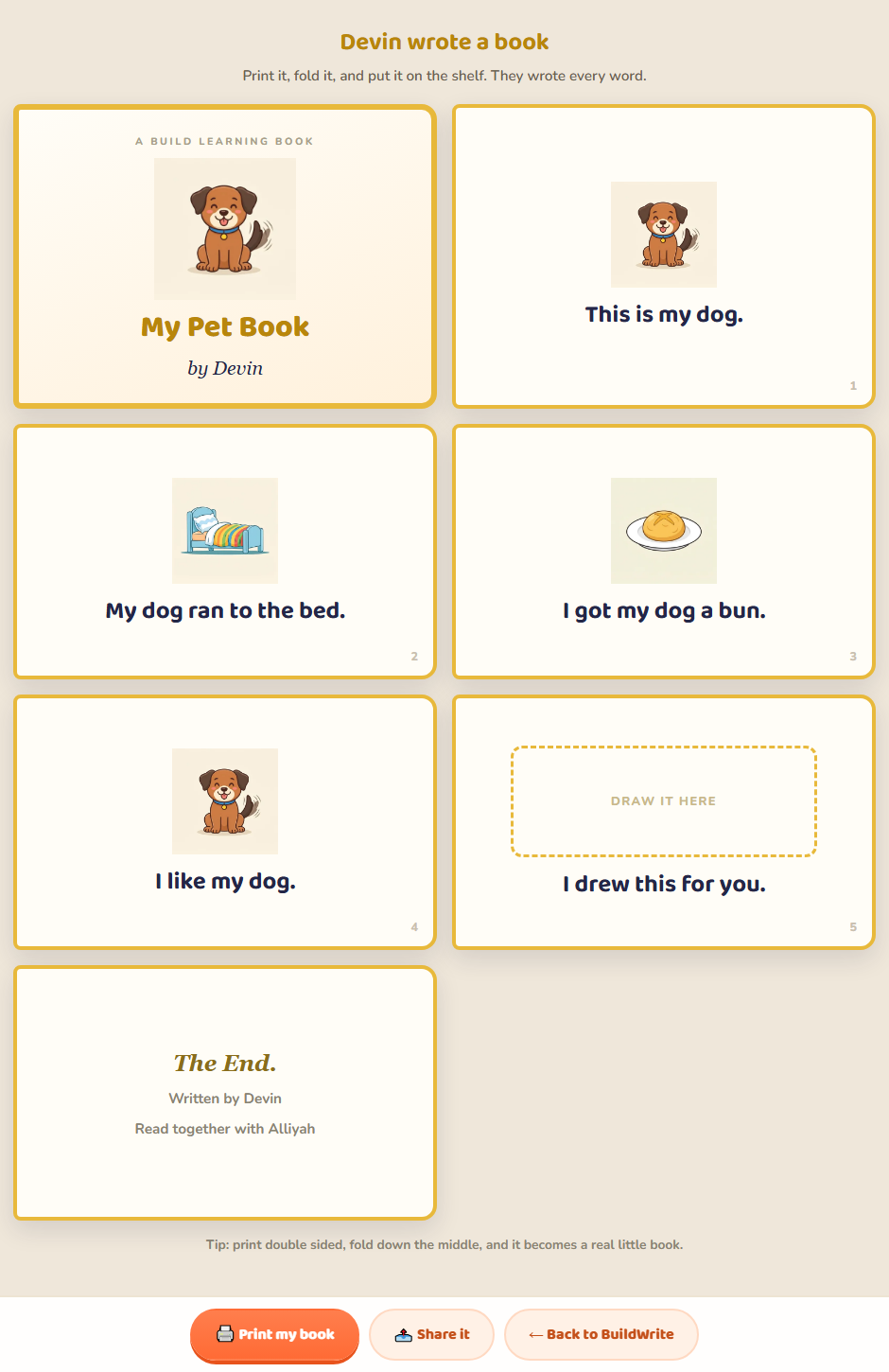
BuildWrite Level 7 hands the pencil over. The app asks a few questions and the student's answers become their book: they write their own words into it, draw the last page themselves, and it prints as a real little book with their name on the cover. Every word in it is one they can already read, because they learned it in Levels 1 through 6.

A printable mini book written by a student
  • Prints on your classroom printer. Fold once and it is a book.
  • Nothing is copied. Twenty-five students get twenty-five different books.
  • A display piece. Names on covers, up on the wall, home in a backpack.
  • No accounts needed. Same as everything else here.
Free now, and what's next

Use it free today. Rosters are coming.

โ— FREE TODAY, NO SIGNUP

The full apps, in your classroom

  • All three apps, all 21 levels, on any smartboard, tablet or computer
  • Every lesson taught out loud by a real teaching voice
  • Level 1 fully unlocked during early access
  • Printable certificates for your students
  • No student accounts, no student data collected, ever
๐Ÿซ CLASSROOM EDITION, COMING

Built with teachers on this list

  • Class Battle team mode across tablets, with a live class scoreboard
  • Class rosters: every student on their own track
  • A teacher dashboard: who mastered what, who needs help
  • Printable class certificate packs
  • Assign specific word families or number families as homework
  • Founding teachers on this list help design it, and get it first
A child proudly holding up a printed certificate

Every child leaves with something to hold.

Printable certificates for your students, and a Class Champions certificate for the whole room after a Class Battle.

Questions

Teachers ask, we answer.

What does it cost for a classroom?

$99 a year for one classroom: every lesson in BuildReading, BuildMath and BuildWrite, up to 35 students, on up to 40 school devices, during school hours (7 am to 5 pm). You also get the class dashboard (every student's progress on one screen, one-tap certificates, the class star total for the week), a class report every Sunday, Assign a Lesson so a student's home screen says which one you picked, and a sticker album every student fills as they go. The first 3 lessons in each app are free to try on your board today. Pay by card, renews yearly, and if it is not for you, seven days, no questions asked, full refund.

Do my students need accounts?

No. Open the site and go. Progress saves on each device automatically. Student accounts do not exist today, which also means there is no student data to worry about: we collect nothing about your students.

Is it COPPA and school-policy friendly?

The browser apps collect no personal information from children: no names, no emails, no accounts required. The only account in the system is an optional parent or teacher email account. That makes the approval conversation with your school a short one.

What devices does it work on?

Anything with a browser: smartboards, Chromebooks, iPads, Android tablets, and classroom PCs. Sound on is strongly recommended, because every lesson is taught out loud.

Does it work for my IEP and intervention students?

The apps are multi-sensory by design: see it, hear it, say it, build it. Spoken instructions, predictable structure, no timers, and gentle unlimited retries. Many of these choices mirror how specialists teach kids with dyslexia, and a Calm Mode with softer pacing is on the roadmap.